Showing posts with label unremovable. Show all posts
Showing posts with label unremovable. Show all posts
Wednesday, November 16, 2016
Unremovable widgets in blogger Solution
Unremovable widgets in blogger Solution
Unremovable widgets in blogger - Solution


So whats the solution, simple, HTML trumps CSS.
i.e. usually when you want to change a particular widget, you go to
your Dashboard --> Layout
then click on edit button corresponding to the widget to be changed.
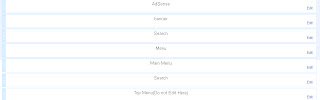
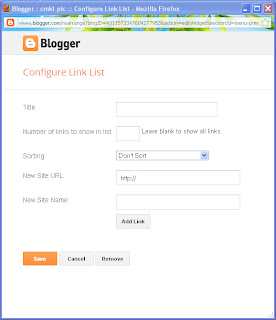
Youre then redirected to a pop-up which opens up the properties.
Unlike usual widgets, they will not have a remove button.
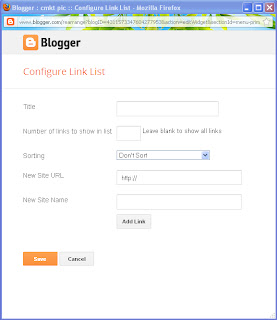
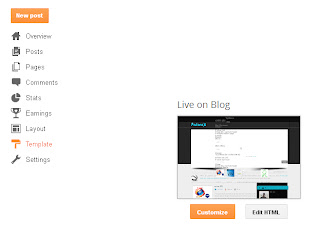
So heres the solution, Go to Dashboard ---> Template ---> Click on Customise and proceed.
Recognize your widget name and change the parameter, locked=true to locked=false
Now try the above process for any other widget.
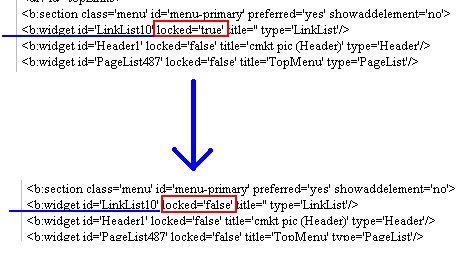
Option 2:
After Step 2, remove all <b:widget... to </b:widget> section then Save template.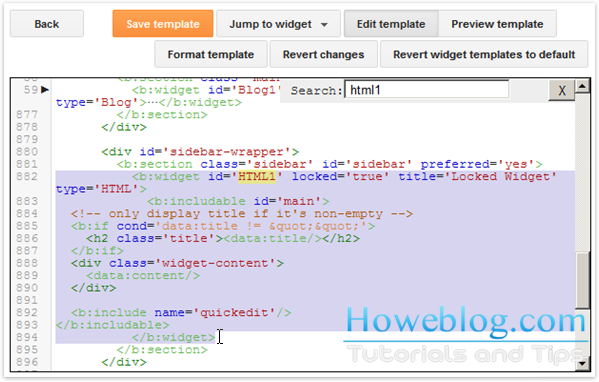 |
More Tricks
|
This was an article on
Note:-As always, if you would like to leave a sensible comment, then please do so in the comments section below.
Available link for download

Subscribe to:
Posts (Atom)