Showing posts with label dzip. Show all posts
Showing posts with label dzip. Show all posts
Monday, October 17, 2016
Extract files from dzip archive
Extract files from dzip archive
Solution:
1] Download Gibbeds RED Tools new version and install it.
2] Open command prompt.
3] Now locate Gibbed.RED.Unpack.exe from the folder path
- 32-Bit users: C:Program FilesGibbeds RED Tools
- 64-bit users: C:Program Files (x86)Gibbeds RED Tools
4] Drag Gibbed.RED.Unpack.exe to the Command prompt window.
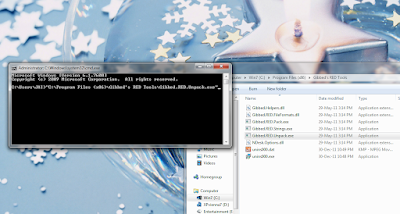
5] Now locate your .dzip file which is to extract and drag it to the command prompt window.
6] Now locate your output folder where to extract and drag it to the command prompt window.
Example:
 |
| Must be Single space b/w each directory path |
7] Finally Hit Enter to extract all the files from the .dzip archive.
8] Close the command prompt after the extraction is complete.
Available link for download

Subscribe to:
Posts (Atom)